Cables
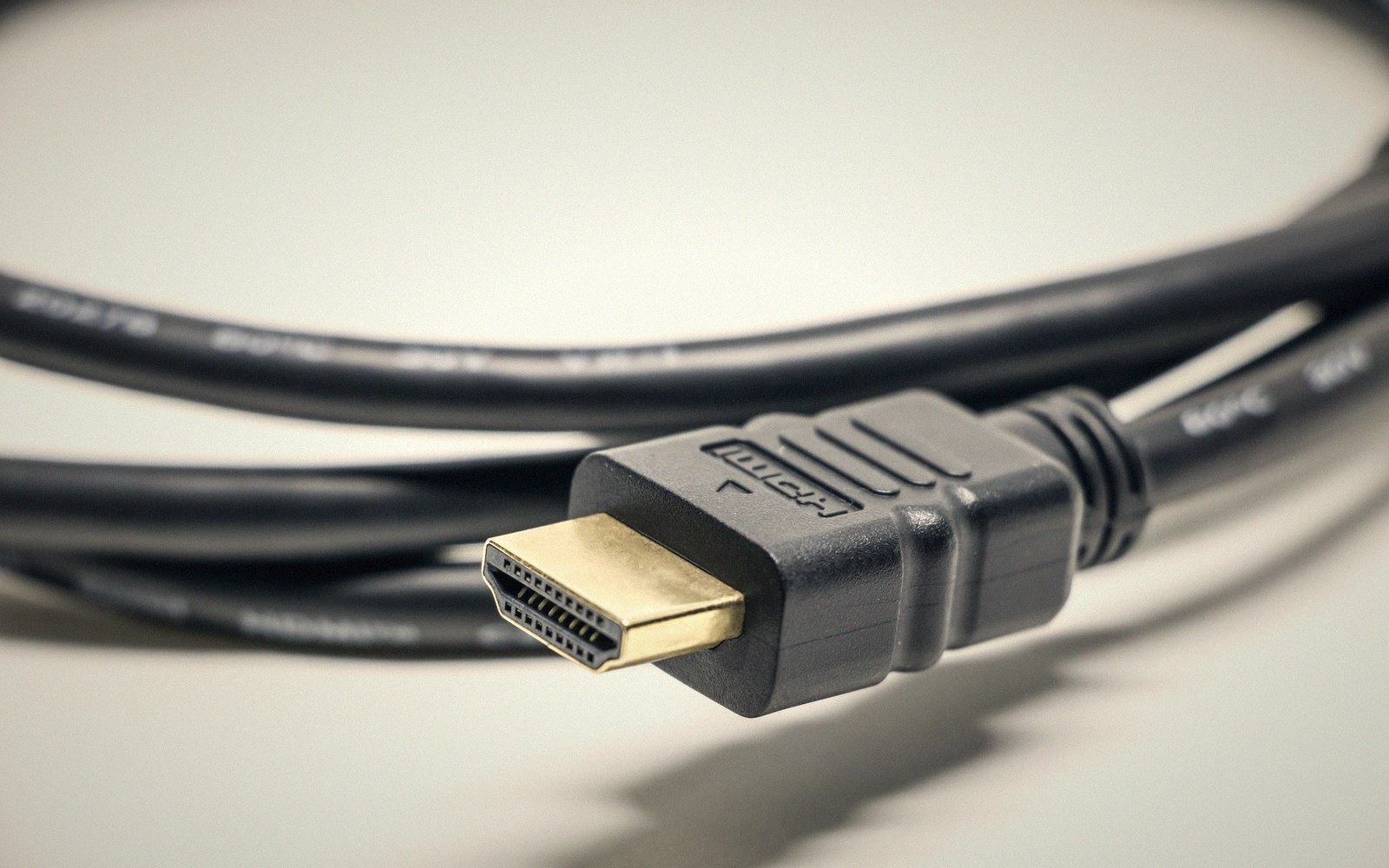
Fig. 01 · Digital either arrives or it does not; the failure mode is dropouts, not warmth. · Photo: Srattha Nualsate / Pexels
Digital signal is binary: the picture either arrives intact or it does not. There is no middle ground where a better cable sounds warmer.
- The trade-off
- Specification and length against price and mythology.
- Which way to spend
- Spend to spec, then stop.
What a cable actually does
A cable moves voltage between two points. In an analogue system — think composite video or unbalanced audio — signal integrity degrades continuously with cable quality, length and interference.
Noise gets added. Frequency response droops. The output is a degraded version of the input, and a better cable genuinely produces a better result.
Digital is different in kind, not degree. HDMI, DisplayPort, eARC — these carry binary data, and the receiver either reconstructs it correctly or it does not.
There is no graceful degradation into "a bit less warm." Below the error-correction threshold, the picture is perfect. At the threshold, you get dropouts, flickering handshakes, or a blank screen. The failure mode is not subtle.
This is why premium-cable marketing is engineered to exploit analogue intuitions in a digital world. A cable that "passes more detail" is not transporting additional bits — it is carrying the same bits with less risk of losing them. Once the signal arrives intact, no cable improvement changes a single pixel.
2
The last part of the chain worth worrying about, and the first part most people change.
Photo: Anthony 🙂 / Pexels
Where cables genuinely matter
Specification compliance matters. A cable rated for 48 Gbps — the bandwidth required for 4K at 120 Hz with HDR, or 8K at 60 Hz — needs to physically meet that spec.
Cheap cables often cannot sustain the bandwidth across their advertised length, so they drop signal under load even though they test fine at lower rates. Buy to spec, not to brand mythology.
Length is the real variable. Passive copper runs longer than a few metres become unreliable at high bandwidth. Active cables — which embed a small amplifier or optical fibre — extend that reach reliably, and optical HDMI cables can run tens of metres without signal loss. For most rooms this is the only meaningful cable decision after spec compliance.
Connectors matter more than conductors. A loose HDMI port, a bent pin, or a plug that only seats under tension will cause intermittent dropouts that look like a panel fault or source fault and waste hours of troubleshooting. Solid strain relief and a connector that clicks home without force are the practical quality markers.
Lifted out of the flow — The Chain
Where spec actually bites
EMI immunity occasionally matters in electrically noisy environments — near unshielded mains runs, fluorescent ballasts, or long parallel cable runs. Shielded cables help here, but this is the exception, not the default concern.
The budget allocation is straightforward: spend enough to meet the specification for your resolution and refresh rate, spend a little more if your run exceeds three metres, and stop.
The money saved belongs in panel contrast, room treatment, or calibration — all of which demonstrably change what you see.
Digital either arrives or it does not; the failure mode is dropouts, not warmth.
Photo: Pew Nguyen / Pexels
Passive copper runs longer than a few metres become unreliable at high bandwidth.
Lifted out of the flow — The Chain