Modes and defaults
Fig. 01 · Shop settings are built to win under shop lighting. · Photo: Pixabay / Pexels
The picture mode your display shipped in was chosen to beat every other screen on a showroom floor — not to show a film correctly.
- The trade-off
- Out-of-box impact against what the grade intended.
- Which way to spend
- Spend nothing: change the mode.
Factory defaults are a competitive weapon, not a starting point
A display in a retail environment competes against dozens of other panels under overhead fluorescent or LED floods that can easily exceed a thousand lux. To stand out, manufacturers configure the brightest, punchiest mode possible: colour temperature pushed cold so whites look electric, peak luminance cranked, contrast processing running aggressively, and a dynamic mode that adjusts the image in real time based on the content.
Every one of those choices is wrong for a dark home cinema and most of them are wrong for a lit living room too.
The vivid or dynamic preset typically forces colour temperature toward 9000–10000 K — a distinctly blue-white that flatters under shop lighting but blows the colour balance of anything mastered to the D65 white point (around 6500 K) that every modern HDR and SDR standard assumes.
Skintones turn ashen, reds pull orange, and the whole image feels cold and hard without the viewer being able to name why.
Beyond colour temperature, factory presets often enable frame-rate processing (motion smoothing), edge enhancement, and noise reduction algorithms — each one adding visible artefacts and each one working against the signal the director signed off on.
These are not improvements; they are features added because they are noticeable, and noticeable sold televisions before streaming made calibration information widely available.
2
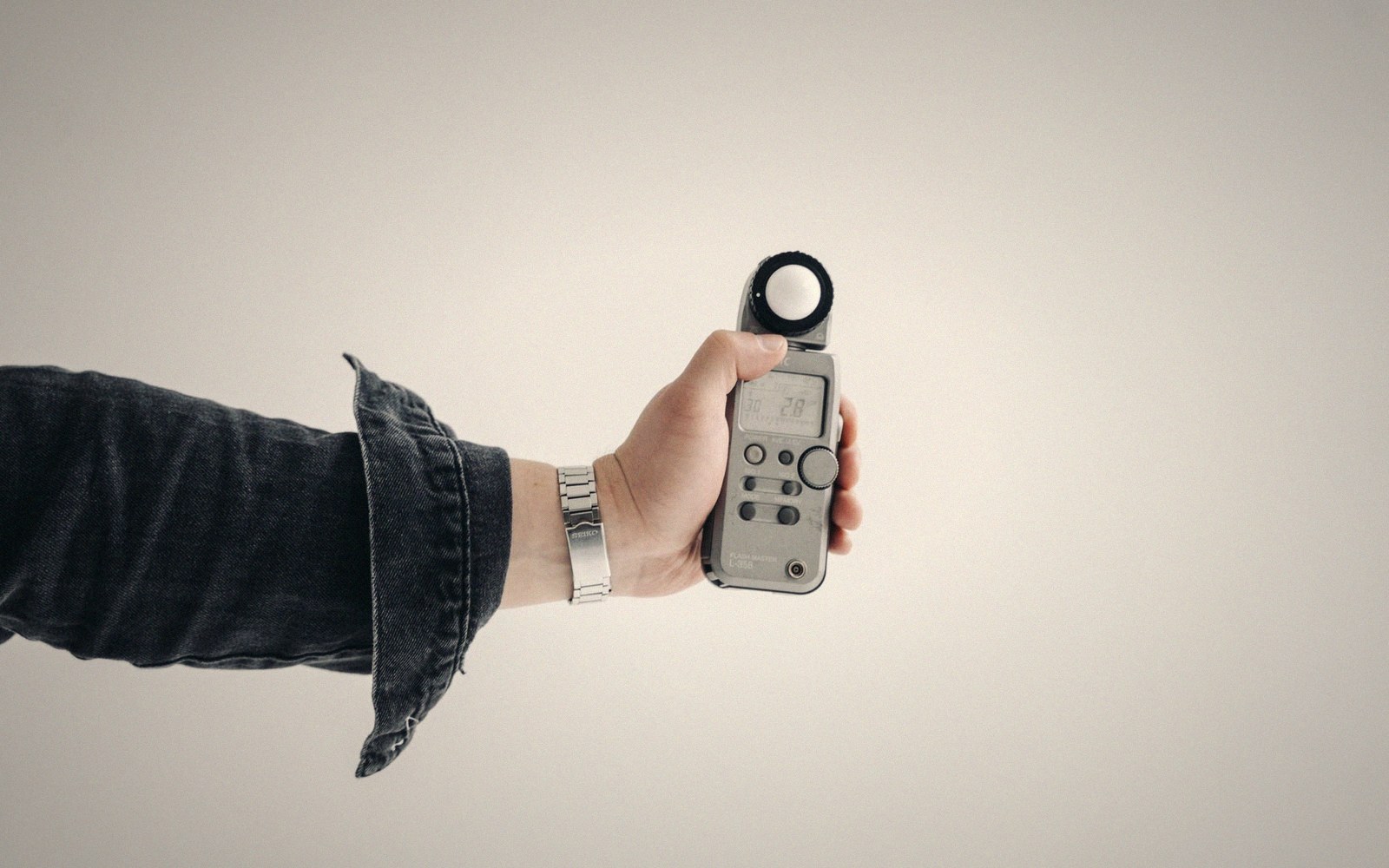
A grey-scale run read off the panel rather than off the menu.
Photo: Tima Miroshnichenko / Pexels
The first step when a panel arrives in a room is to locate the cinema, filmmaker or calibrated preset — names vary by manufacturer but the principle is consistent: it disables most processing, sets colour temperature closer to D65, and reduces peak brightness to something a dark room can actually use without crushing the mid-tones.
This preset is not the end of calibration; it is what calibration corrects — the gap between the signal and the screen. But it is the only honest starting point, because every other mode is built to win an argument you are no longer having.
Lifted out of the flow — Calibration
Figures worth calling out
Shop settings are built to win under shop lighting.
Photo: Jakub Zerdzicki / Pexels
This preset is not the end of calibration; it is what calibration corrects — the gap between the signal and the screen.