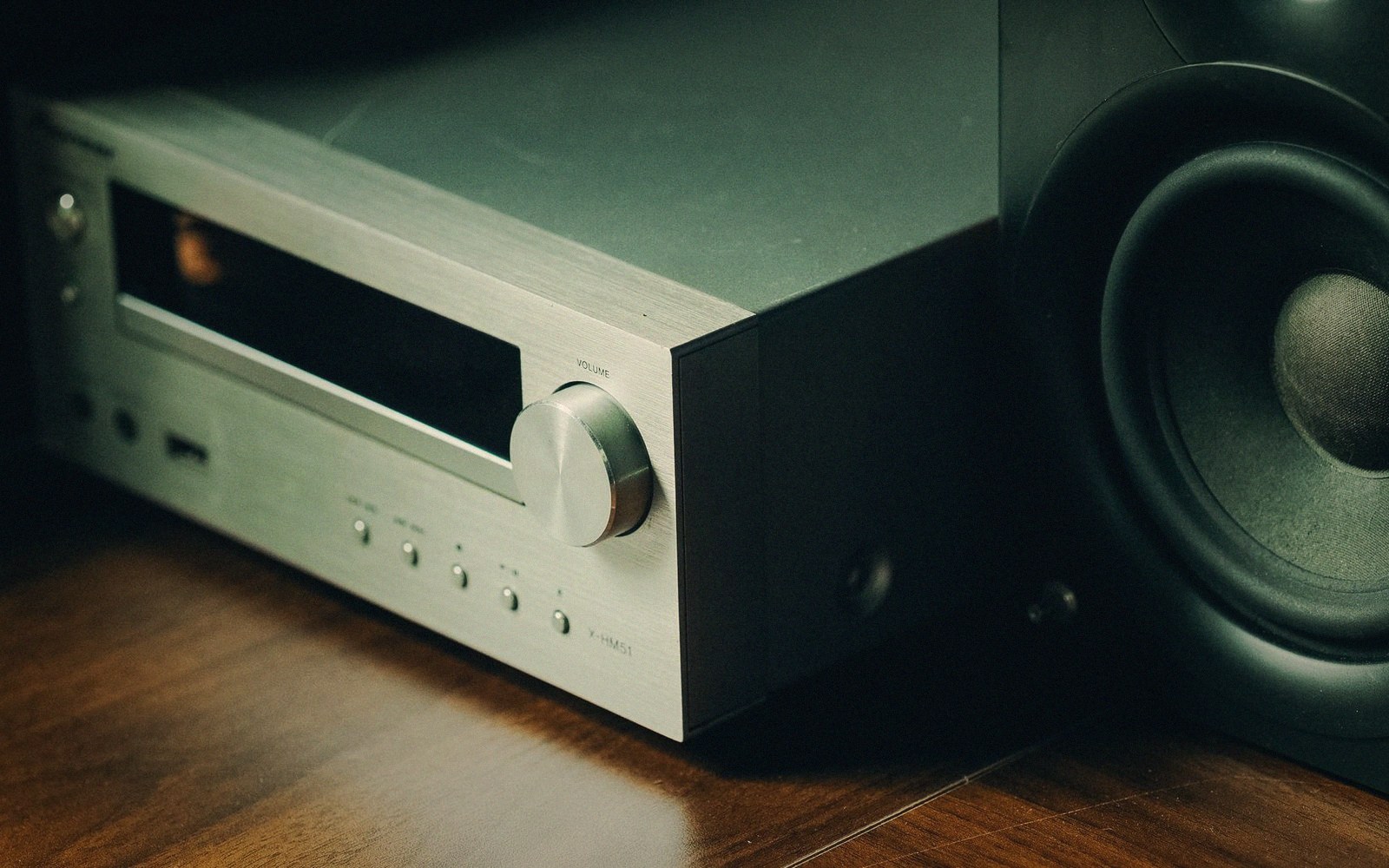
Where Scaling Happens
Fig. 01 · Something in the chain resizes the picture, and it matters which thing does it. · Photo: Pew Nguyen / Pexels
Something in the chain always resizes the picture. The question is which device does it — and they are not equally good at the job.
- The trade-off
- Automatic handling against control of it.
- Which way to spend
- Spend on deciding where scaling happens.
The Signal Has a Native Size
Every source delivers frames at a specific resolution. A streaming box outputs 3840 × 2160 for 4K content, or 1920 × 1080 for HD.
A Blu-ray player does the same. That number is not negotiable at the source end; what changes is what happens to it before the pixels are actually drawn.
The display has a native grid — a fixed physical array of pixels. A 4K panel has exactly 3840 × 2160 of them, no more, no less.
If the incoming signal matches that grid exactly, each pixel maps one-to-one and nothing needs to scale. The moment those numbers diverge, something must perform the conversion, and that something is a scaler: a processor that calculates what each output pixel should be given the input it received.
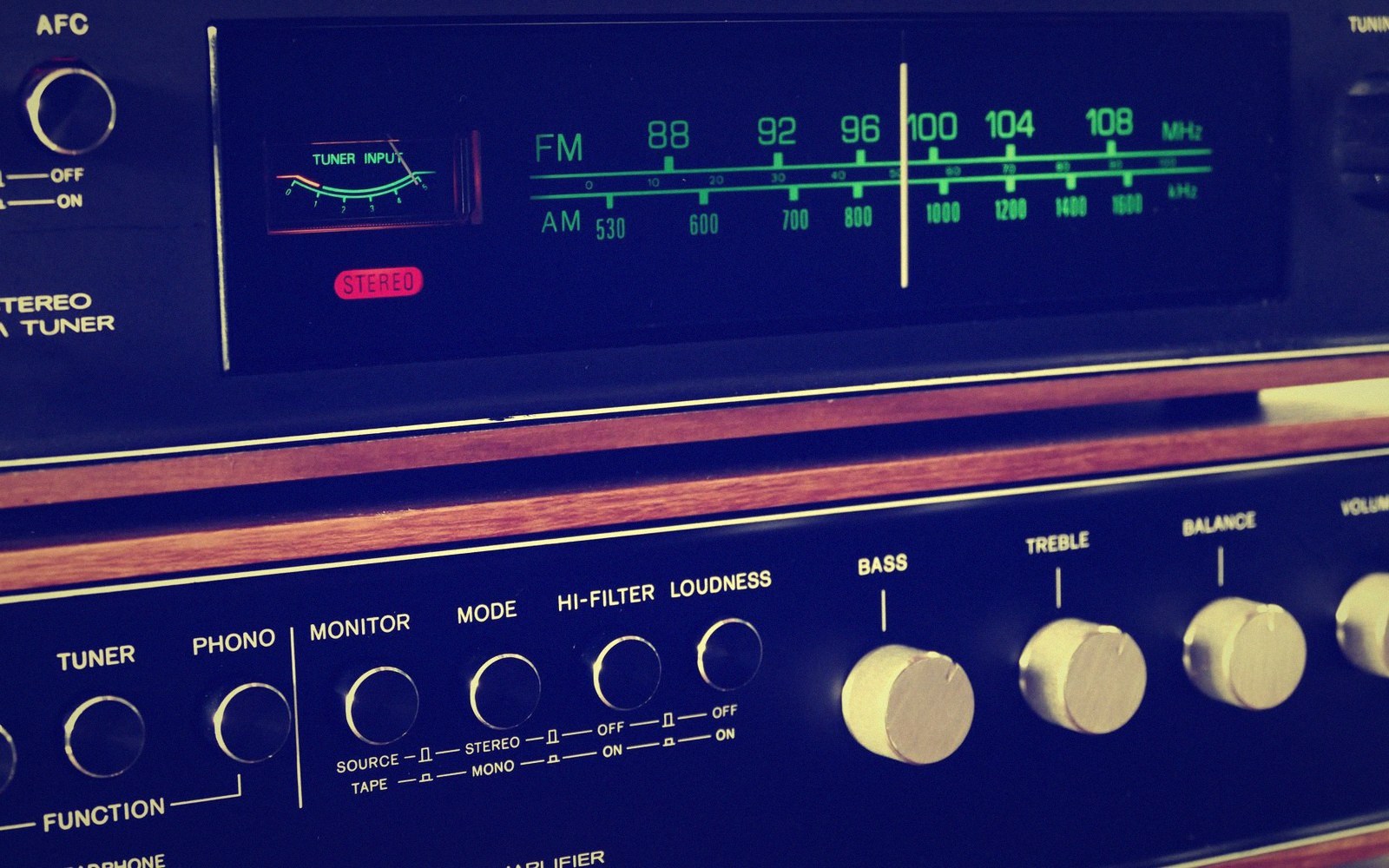
2
The last part of the chain worth worrying about, and the first part most people change.
Photo: Anthony 🙂 / Pexels
Every Device in the Chain Has One
The catch is that scalers are not rare, specialized components. Your streaming device has one. Your AV receiver almost certainly has one. Your projector or display has one.
If you run the signal through all three, each device inspects the incoming resolution, compares it to what it needs to output, and may perform a scaling pass. Chain three mediocre scalers together and the image has been mathematically reinterpreted three times before a single photon leaves the screen.
This is why resolution and signal path are inseparable. A native 4K signal degraded by two intermediate scaling passes can look softer than the same signal handled cleanly by a single, well-implemented scaler at the display.
The pixel count on the box tells you nothing about how many times the image was remapped on the way there.
The practical rule is straightforward: scale once, scale last, and let the best processor in the chain do it. For most systems, that is the display itself — panels and projectors typically carry the most capable upscaling silicon, because manufacturers know it is the last and most visible stage.
Set every upstream device to pass through at native signal resolution wherever possible, and let the display handle the single conversion to its own grid.
Lifted out of the flow — The Chain
Key principles
Upscaling and the Direction of Travel
The common case is upscaling — feeding a 1080p signal to a 4K display. The scaler must invent pixels that were never in the source: it interpolates, infers edges, and attempts to preserve sharpness without adding the ringing artifacts that aggressive edge-enhancement produces.
The quality of this inference varies enormously. Better algorithms analyze local structure — detecting diagonal edges and treating them differently from horizontal ones, for instance — and they suppress the false contouring and mosquito noise that naive nearest-neighbor or bilinear methods introduce.
Downscaling, far less common in home cinema, carries its own failure mode. Feeding a 4K source to a 1080p display means discarding three-quarters of the pixels.
Done carelessly, fine detail aliases into moiré patterns; done well, the processor low-pass filters before sampling, and the result looks acceptably sharp.
The rarer and more insidious case is a hidden scaling pass at the wrong device. An AV receiver set to output 1080p when the display expects 4K forces the display to upscale from an already-converted 1080p signal — a double pass.
The solution is always to match the receiver's output resolution to the display's native resolution, or to bypass video processing in the receiver entirely and let the signal pass untouched.
The last part of the chain worth worrying about, and the first part most people change.
Photo: Anthony 🙂 / Pexels
Why It Is Worth Settling
None of this requires measuring equipment to diagnose — a single scaling pass from a good processor looks cleaner, and the difference on a large screen at a reasonable seating distance is perceptible in ways that extra pixel count alone is not.
Audit the chain once: check what resolution each device is set to output, disable any video processing in intermediate components, and confirm the display is receiving a signal that either matches its grid exactly or arrives at native source resolution for the display to convert. That single decision, made at setup, costs nothing and outperforms any amount of cable anxiety.