
Grayscale and Gamma
Fig. 01 · Neutral all the way up, and the curve that maps signal to light. · Photo: Robert Clark / Pexels
A panel that tracks neutral through every shade, and bends light to signal the right way, is the foundation everything else in calibration stands on.
- The trade-off
- Shadow detail against apparent punch.
- Which way to spend
- Spend on the curve that matches your light level.
The Neutrality Problem
A display asked to show a mid-grey should produce equal amounts of red, green and blue. Do that at every brightness level from the darkest shadow to peak white, and the grayscale is neutral.
Fail to do it — one channel pulling ahead of the others at 30 IRE, say, or lagging behind at 80 — and every colour in the picture inherits the error.
Skin tones cool off. Shadows go green. Clouds go pink. None of it looks obviously wrong to an uncalibrated eye, because the eye adapts, but the image reads as subtly unpleasant in a way the viewer can't name.
What calibration corrects at the grayscale level is precisely this: the balance of the three primaries across the full luminance range. Most displays offer two sets of controls to reach it — a two-point adjustment affecting the dark and bright ends separately, and a multi-point (typically ten or twenty-point) adjustment that lets the technician track the balance at measured intervals between them.
The two-point controls set gain (the bright end) and offset (the dark end). The ten-point or twenty-point controls catch any drift in the middle of the range, which is where most real picture information lives. You correct the extremes first, then use the finer controls to remove what remains.
The measurement tool for this is a colorimeter or spectrophotometer reading CIE 1931 xy chromaticity coordinates: the target is D65, the white point the industry settled on for consumer video content.
A display nowhere near D65 on a grey patch at 50 IRE will be nowhere near correct on any colour either, because every colour is a mixture of primaries weighted by that underlying grey balance.
2
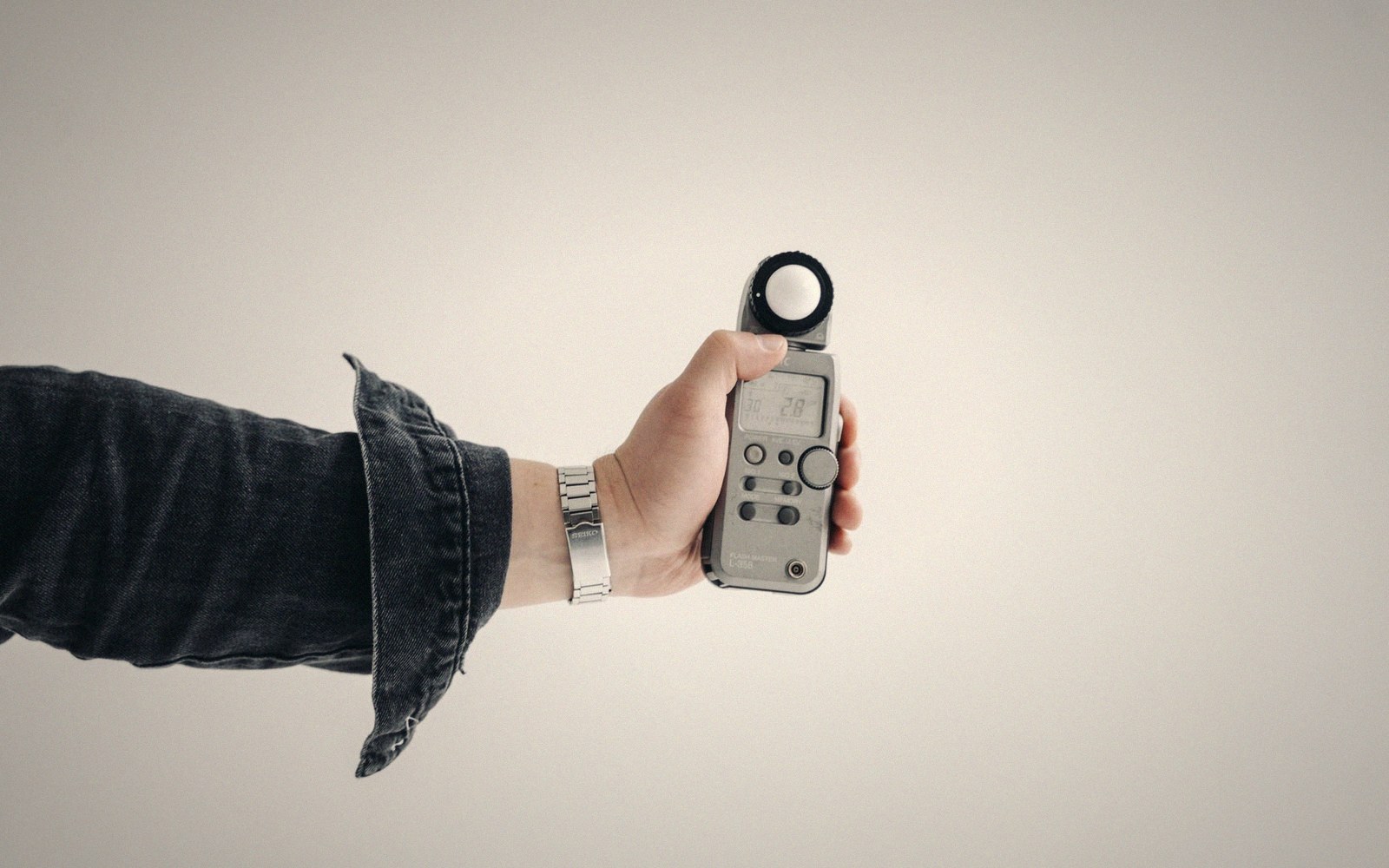
A grey-scale run read off the panel rather than off the menu.
Photo: Tima Miroshnichenko / Pexels
The Shape of the Curve
Getting the colours right in the neutral sense is only half the problem. The display also has to map signal values to luminance in the right proportions — that's gamma. A video signal encodes brightness non-linearly, compressing the bright end relative to linear light.
The camera does this on the way in; the display must do the inverse on the way out. If the curve is wrong, the tonal relationships in the image break down: shadow detail collapses or lifts into mud, highlights clip early or stay compressed, midtones feel thin or heavy.
The traditional target for standard dynamic range content is a pure power function with an exponent of 2.2 — often called gamma 2.2. In practice, the BT.1886 specification, which HDTV workflows use as their reference standard, is a more precise mathematical description of how a properly set cathode-ray tube actually behaved, and it's what a calibrator aims to match.
For HDR content the situation is different: the signal uses a perceptual transfer function called PQ (Perceptual Quantizer, defined in SMPTE ST 2084) or HLG (Hybrid Log-Gamma, developed jointly by the BBC and NHK), PQ is absolute — it encodes actual nits values — whereas HLG is a relative, scene-referred curve.
Calibrating for HDR means verifying that the panel tracks PQ or HLG correctly at the luminance levels it can actually reach, which is a different exercise.
For an SDR room, the practical point is this: measure the luminance your panel produces at each signal step, plot it against what the curve should predict, and use the display's internal gamma or tone-response controls to close the gap.
Some displays let you load a point-by-point custom curve. Most offer a selection of preset exponents. Either way, the measurement drives the decision — you cannot do this by eye, because the eye's adaptation mechanisms will paper over exactly the errors you are trying to expose.
Lifted out of the flow — Calibration
The two dimensions of grayscale calibration
Get gamma right and grayscale right, and every colour correction built on top of them inherits an accurate foundation. Chase primary and secondary colour accuracy on a broken grey balance and you are decorating a room with a cracked floor.

The reflection points are found geometrically: sit down, and mark every place a driver appears.
Photo: cottonbro studio / Pexels
The display also has to map signal values to luminance in the right proportions — that's gamma.
Lifted out of the flow — Calibration