What Calibration Corrects
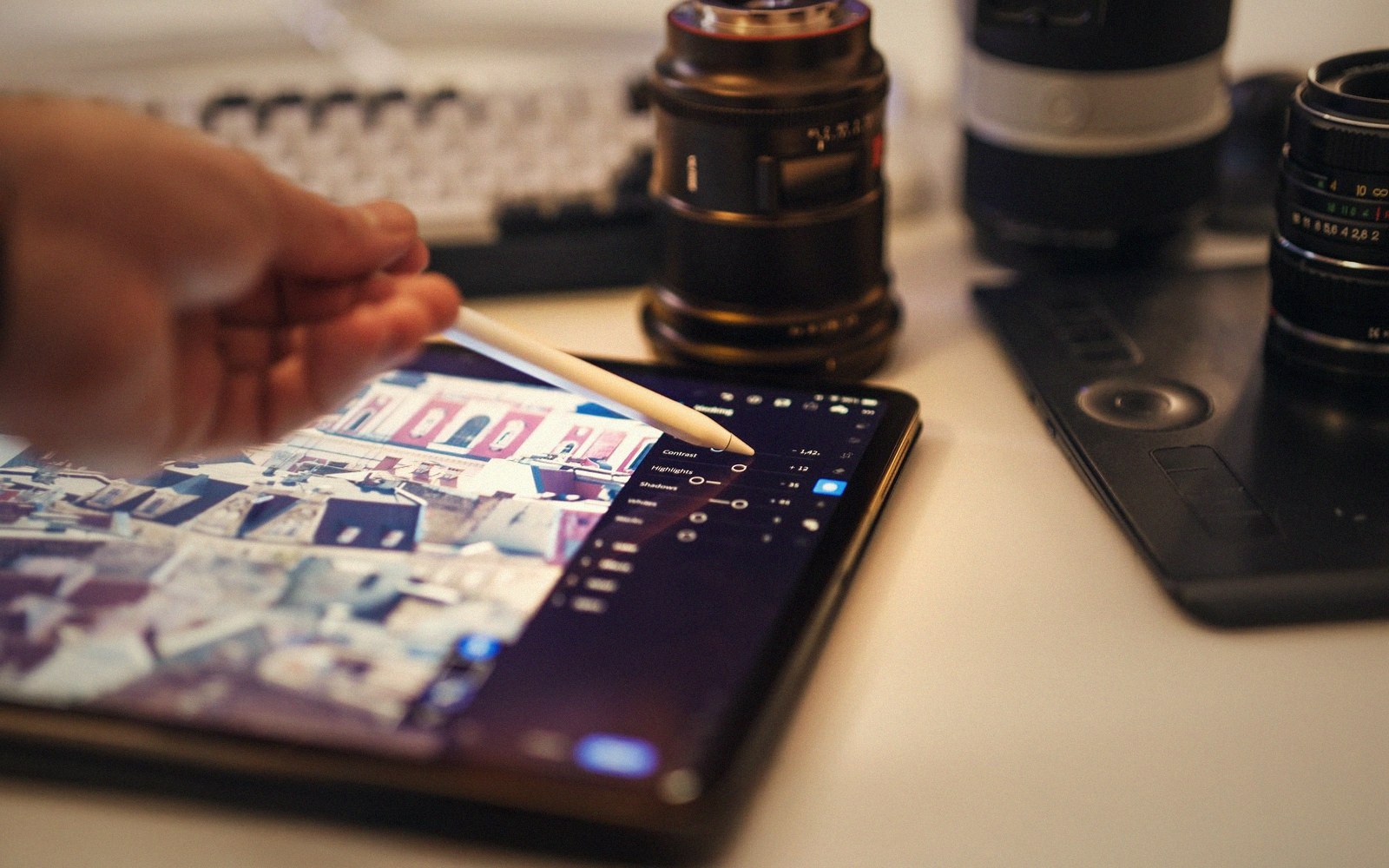
Fig. 01 · Correction is arithmetic applied to a signal, not an improvement to a panel. · Photo: Jakub Zerdzicki / Pexels
Calibration is not about preference. It is about closing the gap between what the signal specifies and what the panel actually emits.
- The trade-off
- Accuracy against the showroom picture people expect to see.
- Which way to spend
- Spend on calibration after the room is dark, not before.
The Gap Is Always There
Every display leaves the factory with its output set to win in a brightly lit showroom — elevated whites, crushed blacks, boosted colour saturation, and a gamma curve tuned to look punchy rather than accurate.
Bring that same panel into a dim home cinema and those decisions actively work against picture quality. But showroom modes are only the most visible part of the problem. Even a display switched to its most accurate factory preset still emits light in a way that departs, sometimes significantly, from the standards the content was graded against.
Those standards exist because someone made the picture. A colourist, working on a calibrated reference monitor in a graded suite, made decisions — about sky colour, skin tone, shadow detail — based on what their display was doing.
The standard most home cinema content targets is Rec. 709 for SDR material, and BT.2020 with an ST.2084 (PQ) transfer function for HDR. When your display does not behave according to those specifications, you are not watching what the colourist saw. You are watching a transformation of it.
Calibration corrects the physical gap between specification and emission.
2
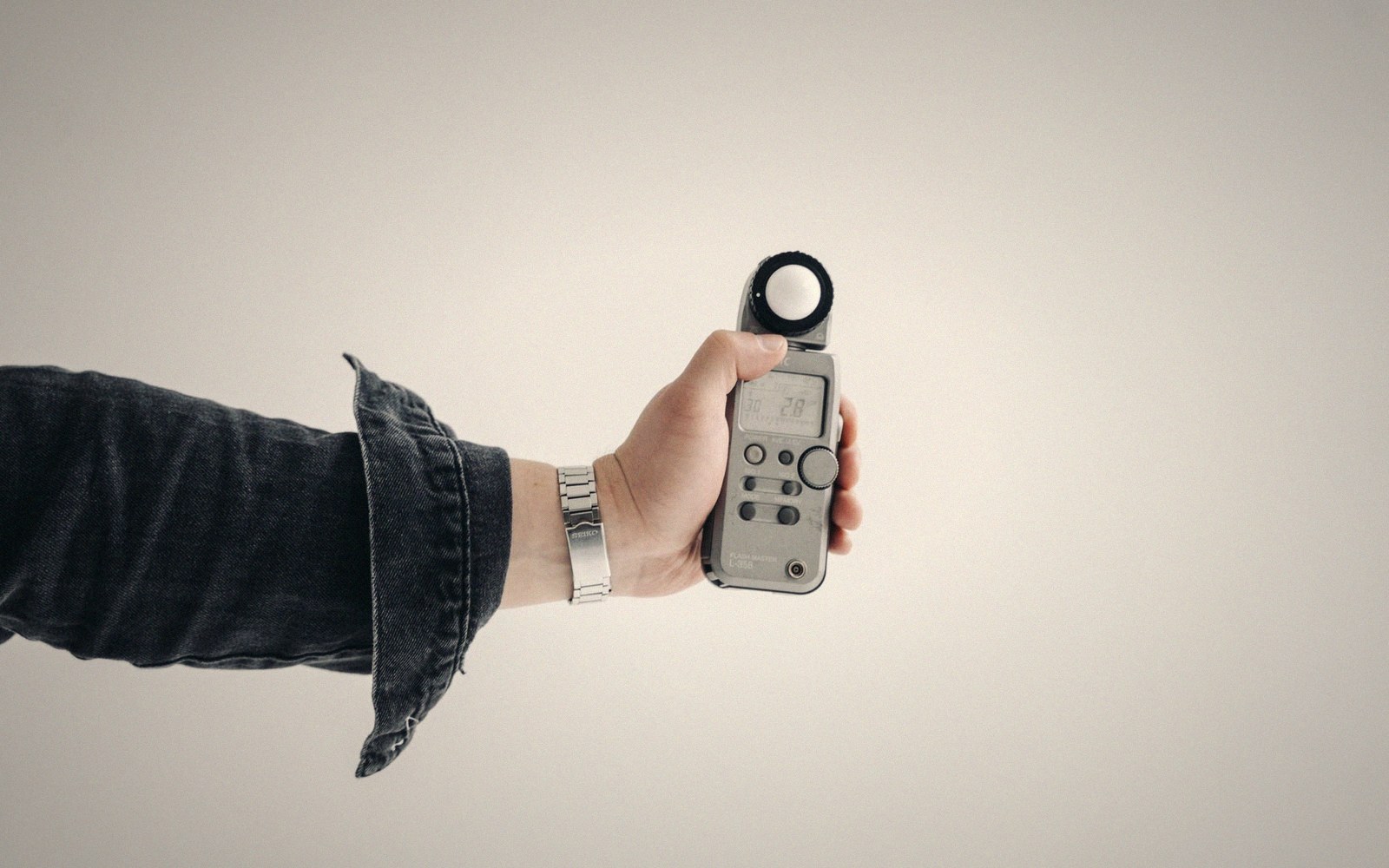
A grey-scale run read off the panel rather than off the menu.
Photo: Tima Miroshnichenko / Pexels
What the Meter Actually Finds
The corrections fall into three linked areas: grayscale, gamma, and colour.
Grayscale tracks how a display reproduces neutral tones — the greys between full black and full white. A correct display produces the same ratio of red, green and blue at every step from 0 to 100 percent stimulus.
In practice, panels drift. Typically one channel — often blue — runs hot at lower stimulus levels, casting a faint tint across shadows; another may lag at peak brightness, yellowing highlights.
This imbalance is called a grayscale error, and it shows in every scene that contains anything neutral: concrete, cloud, white shirts, grey sky. You notice it as an overall colour temperature that shifts as luminance changes, though most viewers would not be able to name what they are seeing.
Gamma is the curve that maps a signal value to an emitted luminance. Grayscale and gamma are related but distinct problems: you can have a neutral greyscale tracking on top of an incorrect gamma.
The standard target for SDR is a power function approximating 2.2, but modified by a viewing-environment correction — the reference display curve specified in BT.1886 is closer to 2.4 in a dark room.
A display running too low a gamma flattens contrast and washes out shadow depth; too high and the image goes dark and dense. The difference of 0.2 in the exponent is visible to the eye immediately once you have seen both.
Lifted out of the flow — Calibration
What the measurements track
Colour is the third area. The colour gamut — the range of colours a display can reproduce — is described by the positions of its red, green and blue primaries and its white point on the CIE chromaticity diagram.
A display whose primaries land in the wrong positions cannot reproduce the original colours accurately, regardless of how bright or how neutral its greyscale is.
The errors are rarely catastrophic on modern panels, but greens and cyans in particular can be measurably wrong in ways that compound with a shifted white point to produce skin tones that look subtly unhealthy or foliage that reads warmer than it should.
A meter and a pattern-generating source finds all of this numerically. The meter gives you delta-E values — a standardised unit of colour error — and luminance deviation from the target curve.
Below a delta-E of roughly 3, most observers cannot perceive a difference. Above it, the errors are, under controlled conditions, visible. Above 6 or 7, they are obvious.
Calibration uses the display's internal controls — white balance adjustments, the colour management system — to pull those measurements back toward the specification. What it cannot fix is gamut compression from a panel that simply does not produce certain primaries; no software correction moves a colour your display cannot emit.
Within those physical limits, though, a calibrated display is not a matter of opinion. It is the closest available approximation to what the signal actually asks for.
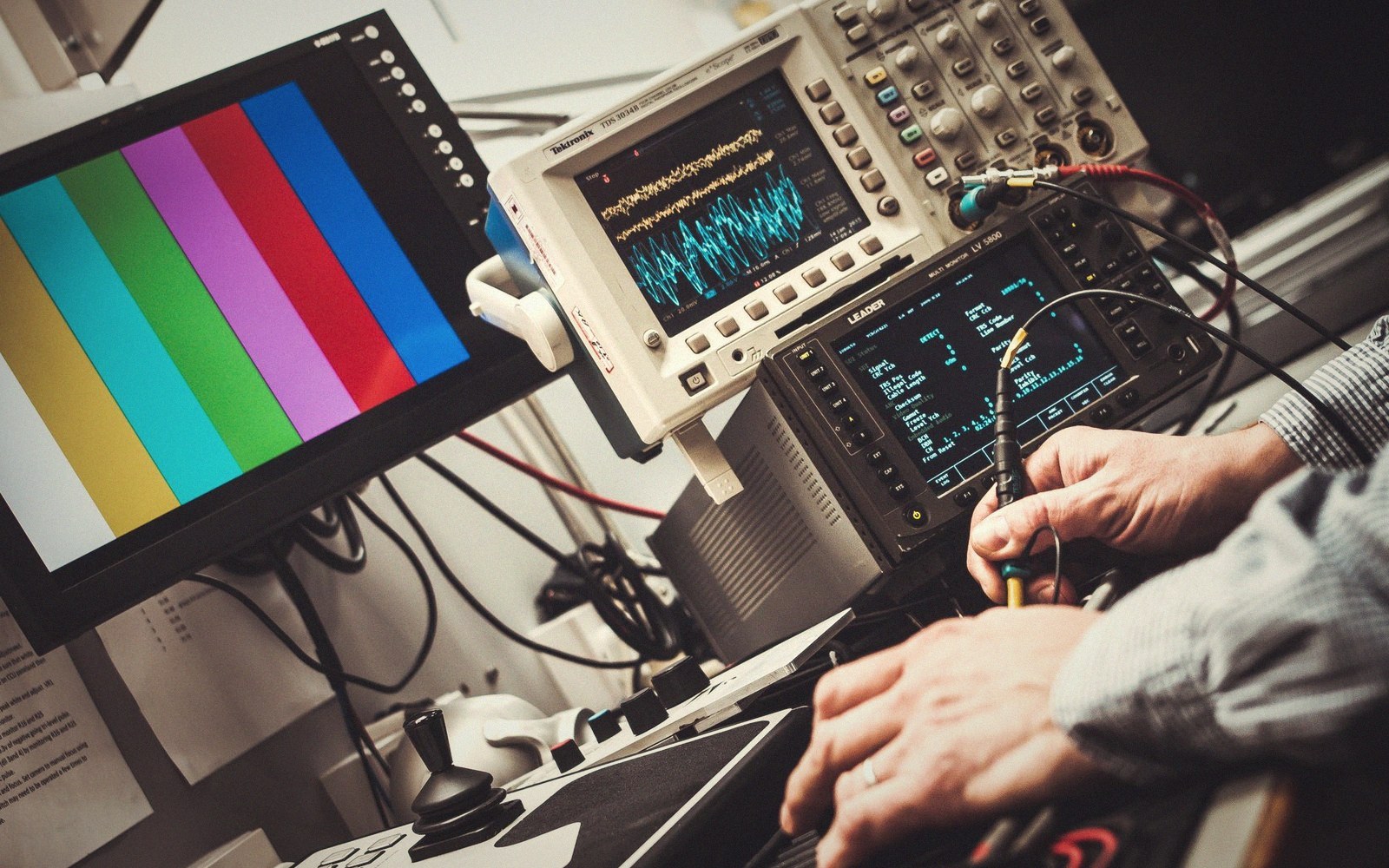
Every reading is taken off the panel itself, in the light the room will actually have.
Photo: Alexander Dummer / Pexels
Within those physical limits, though, a calibrated display is not a matter of opinion.
Lifted out of the flow — Calibration